24 September
Email Automation
AI Email Automation Workflows: A Beginner’s Setup Guide
- gullmaneeza@gmail.com
- automation, email marketing
- 0 Comments
The first automated email flow I ever set up for a client was embarrassingly simple — a welcome email, sent three hours after signup, no segmentation, no logic beyond “did they subscribe.” It worked better than nothing, which is a low bar, but it took us months to realize how much revenue was sitting in the gap between “worked” and “actually smart.”
That gap is mostly what an AI email automation workflow closes. Not by replacing your judgment about what to say, but by handling the decisions around timing, segmentation, and send logic that used to require someone manually building out ten versions of the same flow for ten different customer types.
If you’re setting one up for the first time, here’s the order that actually works, skipping the parts that sound good in a sales demo but don’t matter much in practice.
Start with triggers, not content
Before writing a single email, decide what actually starts the sequence. This is the part beginners tend to skip, jumping straight to writing copy for a “welcome series” without deciding what welcome even means for their business.
Common triggers worth setting up first:
- Signup or account creation
- First purchase
- Cart abandonment (usually the highest-ROI automation most stores under-use)
- Browse abandonment — someone views a product a few times without buying
- Win-back, for customers who’ve gone quiet after a normal purchase window
Most platforms with AI email marketing features — Klaviyo, ActiveCampaign, HubSpot — let you combine triggers with conditions, so “cart abandonment” can branch differently for a first-time visitor versus a repeat customer. That branching is where the AI layer actually starts earning its keep, because manually building ten branch paths by hand is exactly the kind of work nobody wants to do twice.
Segment before you automate, not after
A workflow sent identically to everyone who hits a trigger is a missed opportunity, and it’s also the most common mistake I see in first-time setups. Segmentation should happen at the workflow level, not as an afterthought layered on top of a finished sequence.
A few segments worth building before you touch a single email template:
New subscribers versus existing customers — their next best action is completely different.
High-intent browsers (multiple product views, added to cart) versus casual visitors.
Purchase frequency tiers, if you have enough order history to support it.
Most AI-driven platforms will suggest segments based on behavioral data automatically once you’ve got a few weeks of activity logged. Worth reviewing those suggestions rather than ignoring them — they tend to surface groupings a human wouldn’t think to build manually, like customers who open every email but never click.
Let AI handle send-time and subject line variation, not your core message
This is the part people get backwards most often. The AI features worth trusting are the ones working with data you already have — send-time optimization based on when a specific subscriber actually opens email, subject line testing across a large enough list to get a real signal, content-block personalization pulling in a customer’s actual browsing history.
What’s still worth writing yourself: the actual offer, the tone, and anything that needs to sound like your brand rather than a generic automated sequence. We’ve tested fully AI-generated email copy against human-written copy with the same automation logic behind it, and the difference in open rate is usually small — but the difference in reply rate and brand trust is not. People can tell.
Build the sequence logic before the design
A practical AI email automation workflow usually looks something like this for something like a cart abandonment flow:
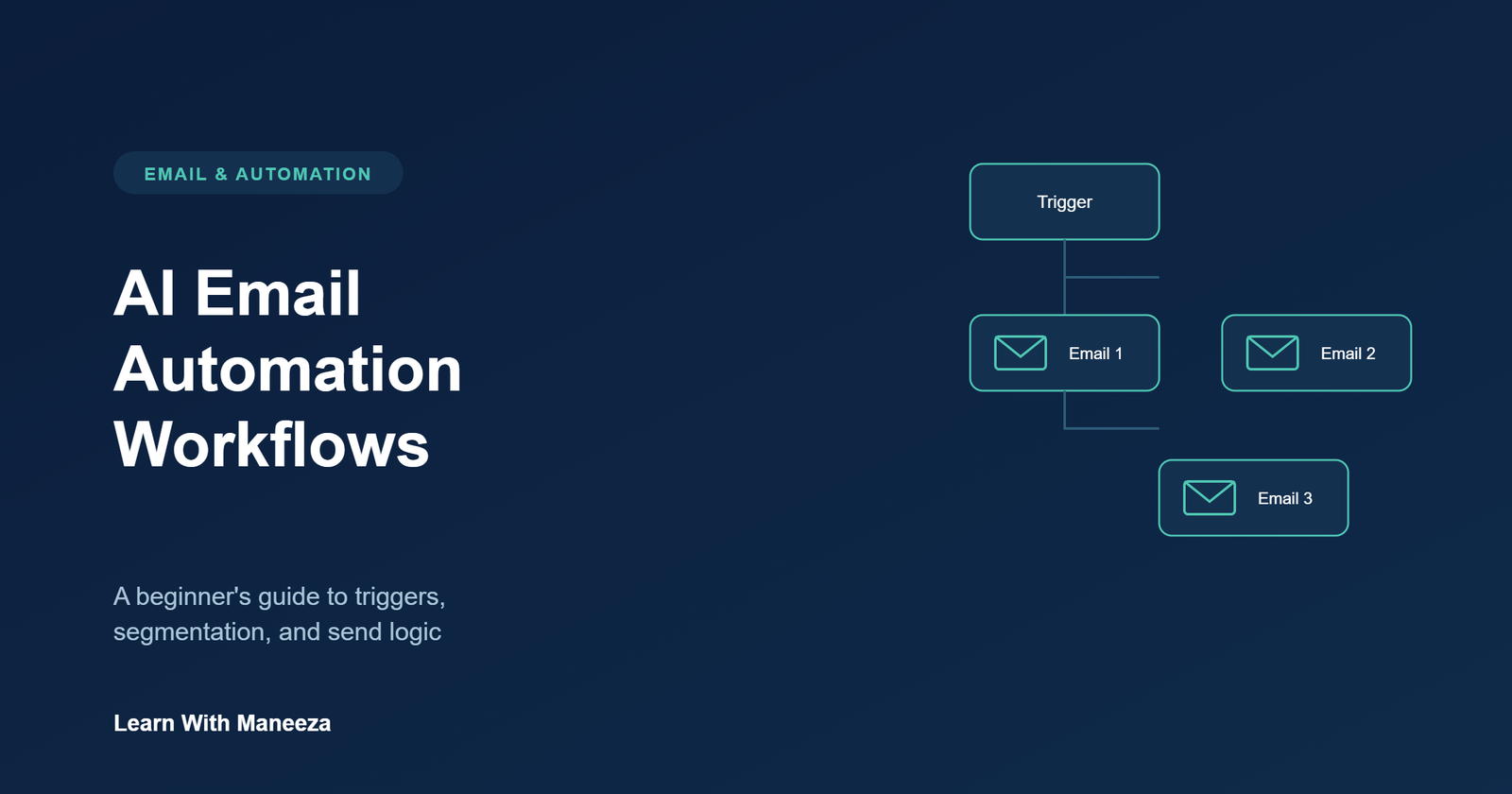
Email 1, sent about an hour after abandonment: a simple reminder, no discount yet.
Email 2, sent the next day, only if they haven’t purchased: address a likely objection — shipping cost, sizing, a review or two.
Email 3, sent two to three days later, only for customers who haven’t converted and aren’t already on a discount-sensitive segment: a modest incentive to close the loop.
Notice the conditional logic in there — email 3 doesn’t fire the same way for everyone, and that’s the difference between a flow that protects margin and one that trains your whole list to wait for a discount.
Common mistakes when setting this up for the first time
Building the whole flow before deciding on segments, then trying to retrofit segmentation later. It’s much harder to bolt on than to build in from the start.
Letting every flow default to a discount as the final email. It works, but it teaches your list to wait you out, and it’s the fastest way to erode margin on repeat customers.
Ignoring the suggested AI segments because they don’t match an assumption you already had. Sometimes the data’s right and the assumption was wrong.
Never testing the actual send logic end-to-end before turning it live. Trigger a test order yourself and watch the whole sequence play out — it catches timing and condition errors that are invisible on paper.
Where to go from here
Once your first one or two flows are running cleanly — welcome and cart abandonment are the right place to start — the natural next step is layering in browse abandonment and a win-back sequence, then letting the platform’s behavioral segmentation get smarter as more data accumulates. The mistake we see most with clients further along is stopping at “it’s automated” instead of revisiting the logic every quarter as customer behavior shifts.
Learn With Maneeza helps businesses build email systems that combine AI-driven segmentation with messaging that still sounds like a real brand.
Explore our Email & Automation services →